Design QA
Pixel-perfect Design QA
Stay involved through implementation so the shipped product matches the intended experience.
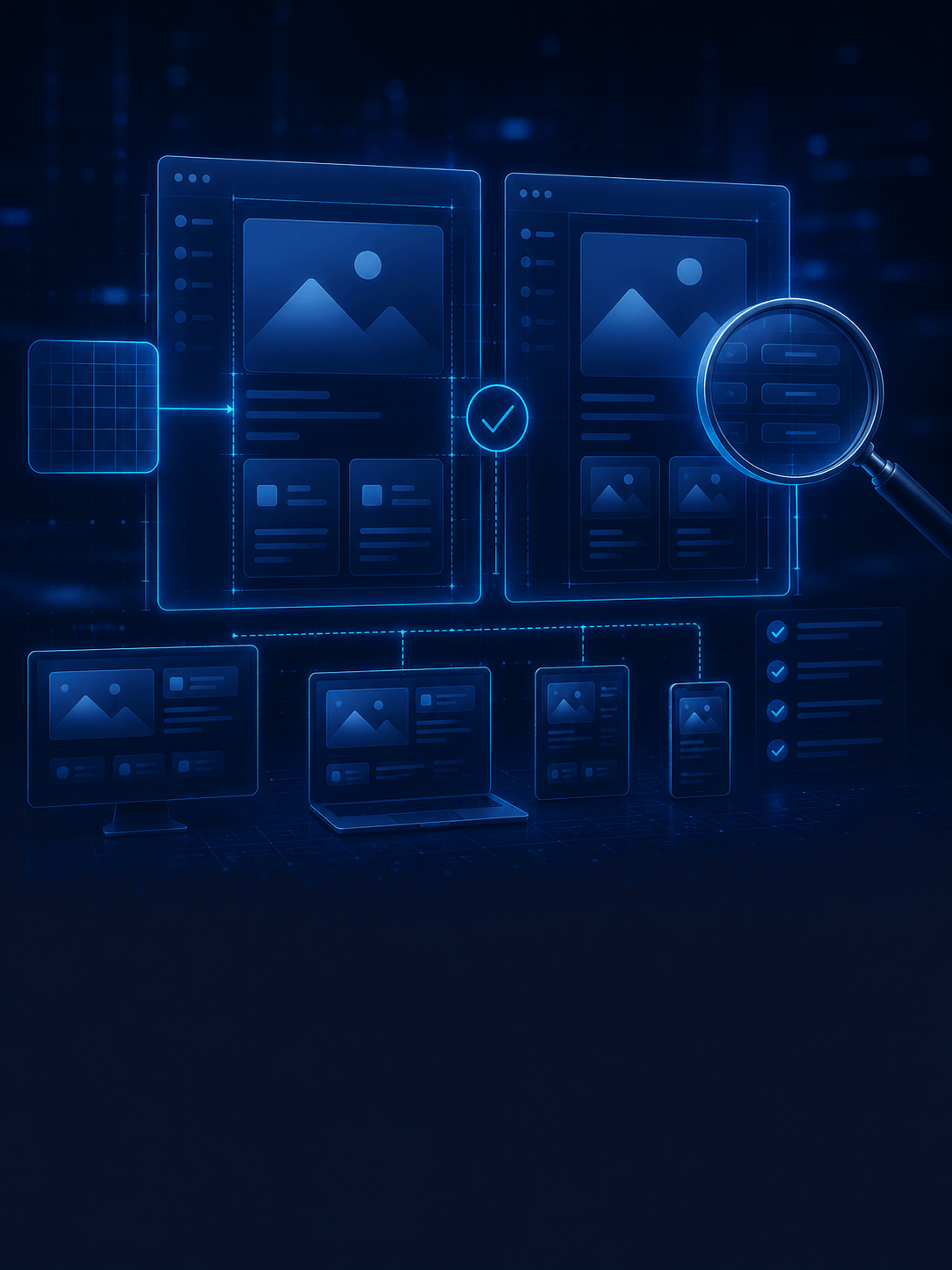
Close the gap between design and code
Design QA reviews staging builds for spacing, states, responsiveness, and interaction quality — catching issues before users do.
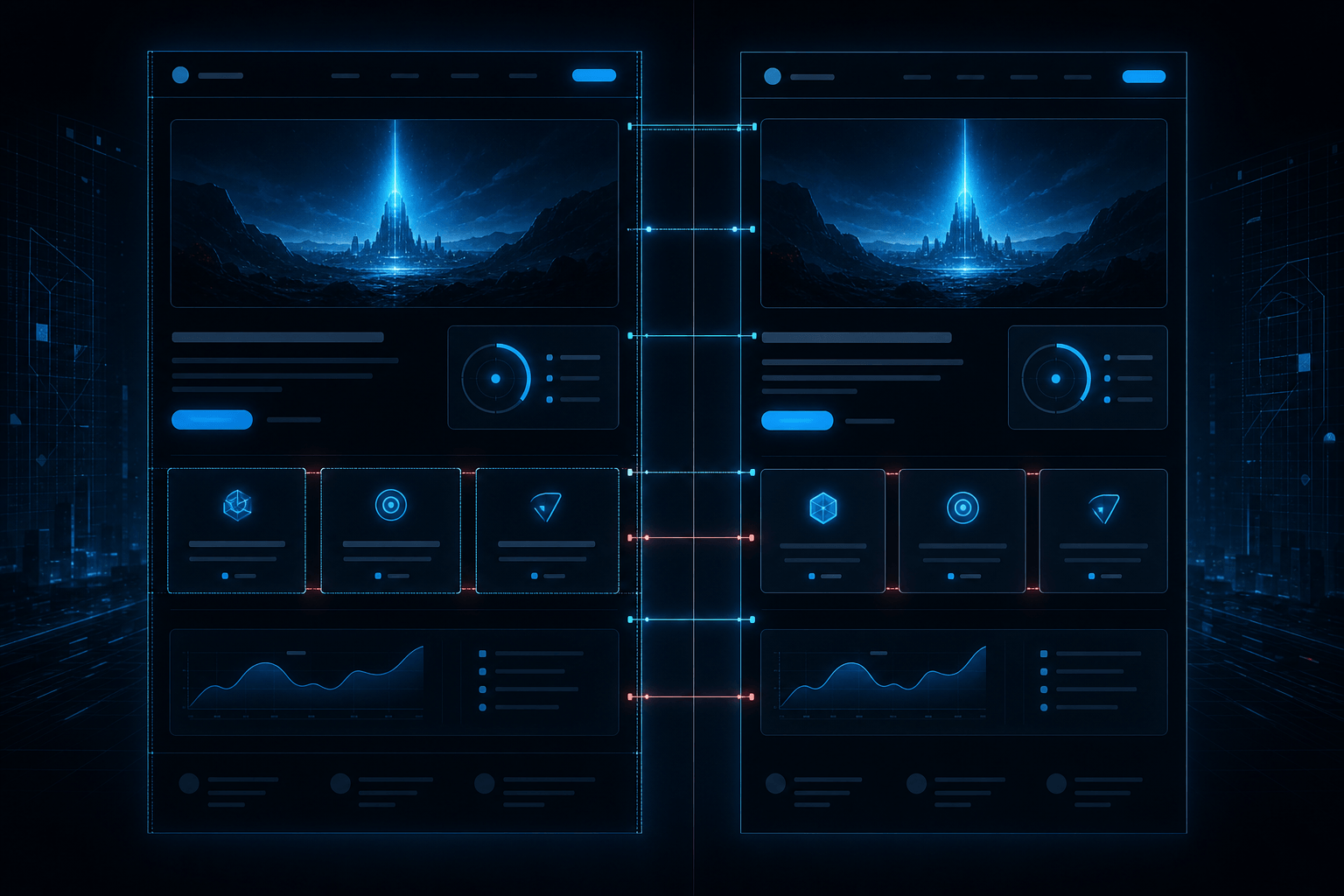
Visual review
Compare builds against approved designs across breakpoints.
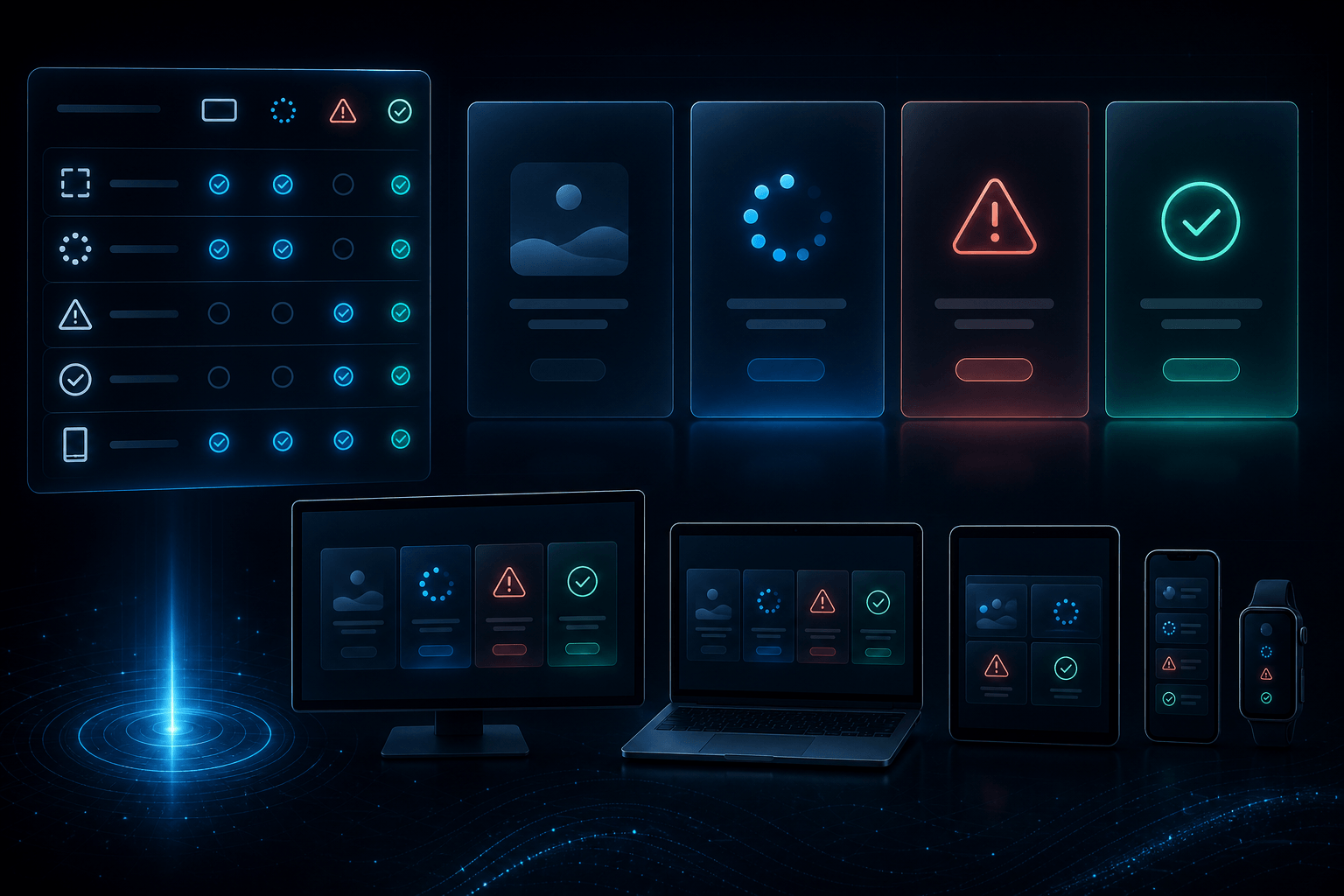
State coverage
Empty, loading, error, and success states get verified.
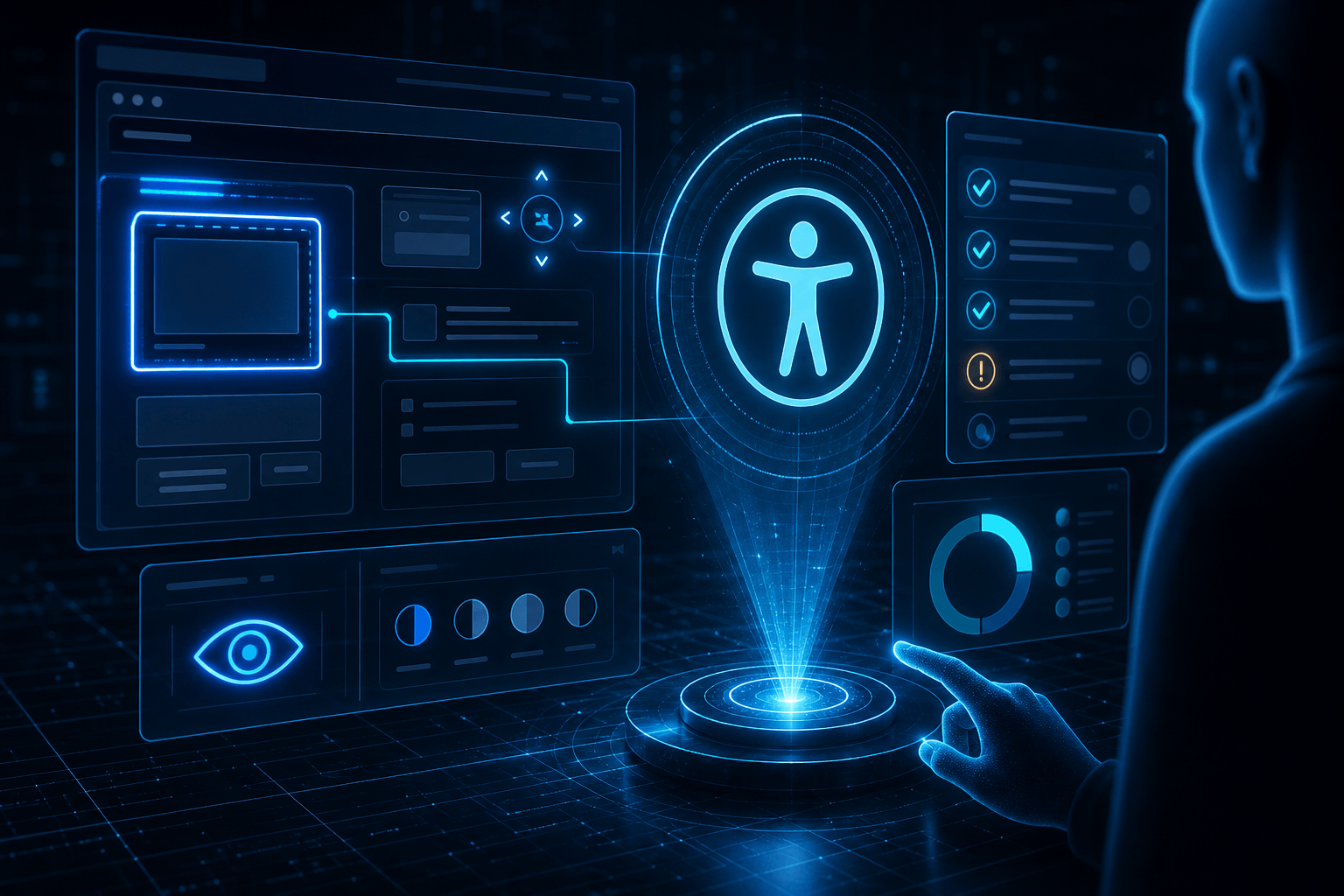
Accessibility checks
Contrast, focus, and usability basics before launch.

Fix collaboration
Clear notes for engineering with priorities and examples.
Visual review
Compare builds against approved designs across breakpoints.
Accessibility checks
Contrast, focus, and usability basics before launch.
State coverage
Empty, loading, error, and success states get verified.
Fix collaboration
Clear notes for engineering with priorities and examples.
Visual review
Compare builds against approved designs across breakpoints.
State coverage
Empty, loading, error, and success states get verified.
Accessibility checks
Contrast, focus, and usability basics before launch.
Fix collaboration
Clear notes for engineering with priorities and examples.
Why add Design QA?
Many products look ‘almost right’ at launch. Design QA protects quality so brand and UX intent survive the build.
Top challenges we solve
Design dilution in release
We catch regressions before they ship to production.
Inconsistent states
We verify every interactive state behaves as designed.
Responsive breakage
We validate mobile and desktop layouts carefully.
Ship what you designed
When design QA is part of delivery, users get the experience you promised — not an approximation.
See related work
We're expanding published case studies here. Talk to us about a similar build.
Ready to be the next case study?
Book a Free ConsultationFrequently asked questions
When does Design QA happen?+
Typically during staging / pre-release — and after major feature merges.
Do you only report issues?+
We report with clear severity and often help propose practical UI fixes.
Is this the same as engineering QA?+
It's complementary: engineering QA focuses on bugs/logic; Design QA focuses on visual and interactive fidelity.
More in Product Design


Get in touch about design qa
Tell us what you want to achieve — we'll map scope, timeline, and the right approach.
Book a Free Consultation